 18+
18+
Play over 3,000 games on Android, iOS, or any mobile browser — fast transactions, full bonus access, and 24/7 support wherever you are.
LegendPlay Mobile delivers a well-rounded on-the-go casino experience that balances game variety, payment speed, and account accessibility across devices. Whether you are logging in from an Android smartphone, an iPhone, or a tablet, the platform is built to run directly in a modern browser without any mandatory download — a genuinely flexible approach for players who want convenience without cluttering their device storage. Established in 2022 and licensed under Curacao, LegendPlay has shaped a mobile environment where over 3,000 games, live dealer tables, and bonus claims are all reachable in a single session from your pocket.
The sections below cover every angle of the mobile experience: how the Android install route works, how iOS users access the platform, what the game lobby looks like on a small screen, how payments and bonuses behave on mobile, and what to do when something goes wrong. This is a first-hand, balanced look — strengths and rough edges both included.
LegendPlay does not list a dedicated native app on the Google Play Store as of 2026, which is common among Curacao-licensed operators. Instead, Android users have two practical routes. The first — and most straightforward — is the mobile browser route: open Chrome or any Chromium-based browser, navigate to the LegendPlay site, and the responsive layout adjusts automatically to your screen size. No settings changes are needed and the full game catalogue loads within seconds on a stable 4G or Wi-Fi connection.
The second route is the Progressive Web App (PWA) shortcut. After visiting the site in Chrome, tap the three-dot menu and select Add to Home Screen. This places a LegendPlay icon on your Android home screen that behaves like an app — it opens in a borderless window, skips the browser address bar, and remembers your session cookies so you stay logged in between visits. The icon updates itself when the platform pushes a new version, so there is no manual update process to manage. Performance on mid-range Android devices running Android 9 and above is smooth for slots and table games; live dealer streams may buffer briefly on networks below 10 Mbps.
One limitation worth noting: push notifications through the PWA on Android are not universally supported across all browser versions. If you rely on bonus alerts, it is worth enabling email notifications inside your account profile as a backup.
Apple's App Store policies create similar constraints for offshore casinos, so LegendPlay is not available as a native iOS download either. The recommended path for iPhone and iPad users is Safari. The platform's mobile site is fully responsive and loads cleanly on Safari for iOS 14 and later. Font sizes, button tap targets, and scroll behaviour are all adapted for touch input, making navigation feel intentional rather than simply scaled down from a desktop layout.
To create a PWA shortcut on iOS, open the site in Safari, tap the Share icon at the bottom of the screen, and choose Add to Home Screen. The resulting icon sits alongside your native apps and launches LegendPlay in a full-screen Safari view. iOS PWA support has improved significantly across recent versions, and for most players the experience is indistinguishable from a native app during routine play sessions involving slots and card games.
Live casino streams on iOS perform well on iPhone 12 models and newer. Older devices may experience occasional frame drops during peak evening hours when Evolution Gaming or Pragmatic Play tables are under heavy load. If that happens, switching from HD to standard stream quality inside the live lobby resolves it in most cases. The browser option also means no storage is consumed — an advantage for players who keep their devices lightly loaded.
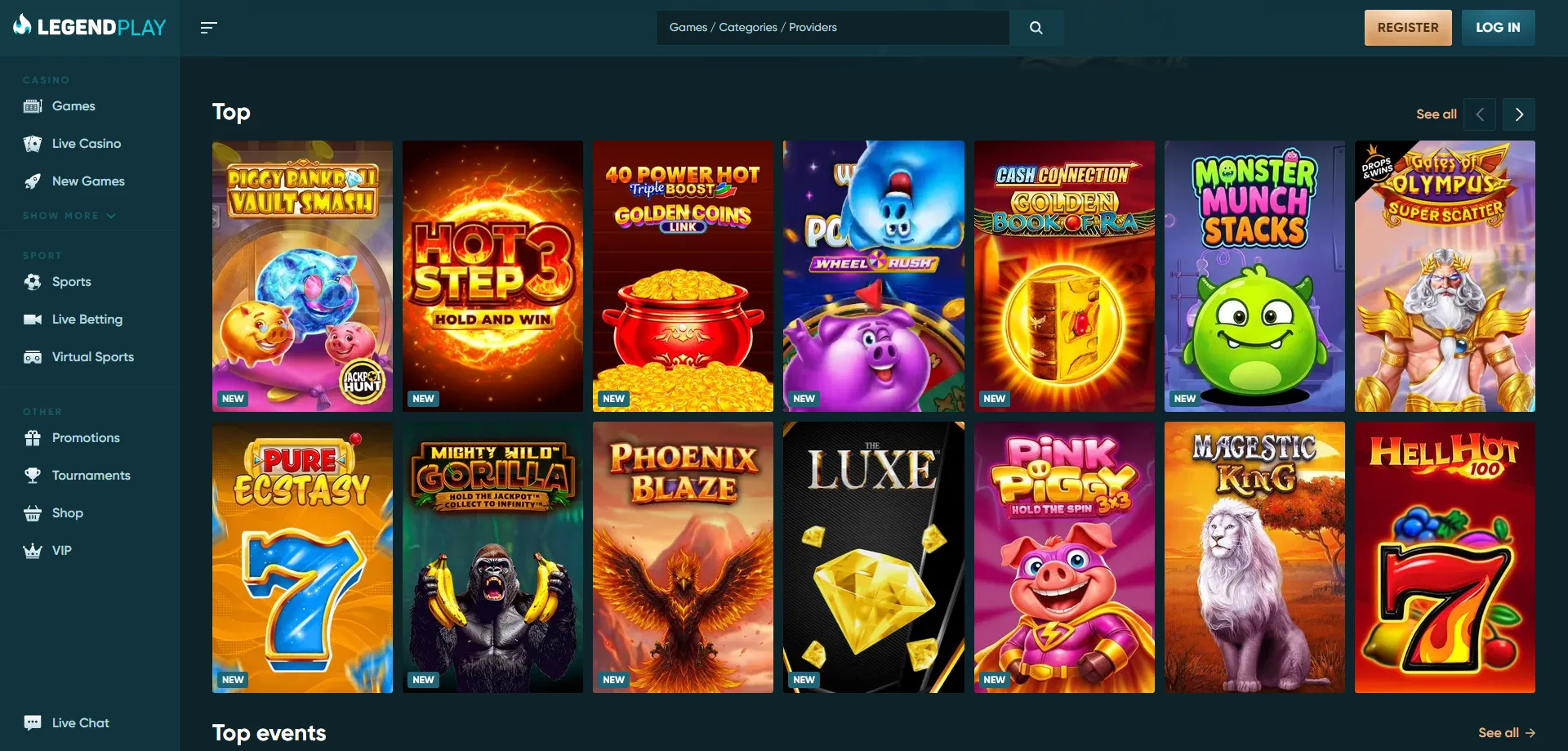
The mobile lobby at LegendPlay surfaces all major categories: slots, live dealer, table games, and instant-win titles. The search function and filter tools work by touch, allowing you to narrow results by provider — Evolution Gaming, Pragmatic Play, Ezugi, and Playtech are all represented — or by game type. Scrolling through the lobby is paginated rather than infinite-scroll, which keeps page weight low and benefits players on slower connections.
Demo mode is accessible on most slots directly from the mobile lobby without requiring an account login. Tap a game thumbnail and an option to Play for Free appears alongside the real-money button. This is useful for learning mechanics before committing a deposit, and it functions identically to the desktop demo — same paytable, same RTP of 96.5%, same bonus round triggers. Live dealer games and a small number of jackpot slots are excluded from demo play, which is standard across the industry.
Live tables from Evolution Gaming — including Live Roulette (minimum stake €5), Dream Catcher from Ezugi (minimum €1), and Baccarat Squeeze from Pragmatic Play (minimum €20) — stream reliably over mobile. The camera angles and chat interface adapt to portrait orientation on phones, though landscape mode gives a noticeably wider view of the table felt and dealer gestures. Players who prefer to play mobile legend-style immersive sessions will find the live lobby the most engaging section of the mobile product.
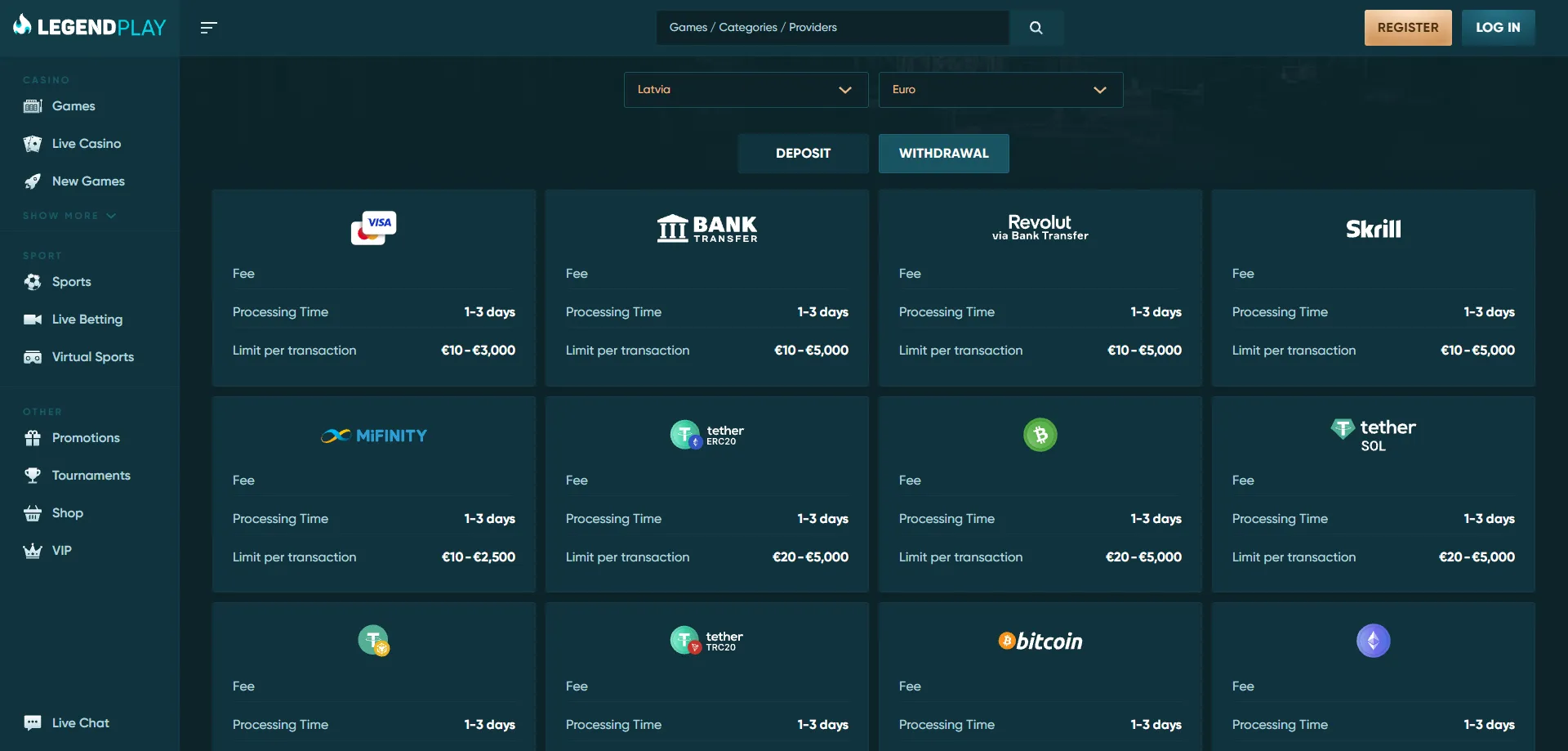
Every payment function available on desktop is replicated on mobile. Deposits can be initiated from the cashier section of the mobile site or PWA, with a minimum deposit of AU$10. The deposit form is a single-page flow — select method, enter amount, confirm — and credited funds appear in your balance within seconds for card and e-wallet options. Withdrawals follow the same path and are subject to the same KYC verification requirements regardless of whether the request is made on mobile or desktop; there is no expedited or separate mobile withdrawal channel.
Bonuses claimed on mobile mirror those available on desktop. The 200% welcome bonus on a first deposit, the 50 free spins offer, and the 10% weekly cashback for regular players are all visible and claimable through the mobile interface. Wagering requirements apply to all bonuses — these can be on the high side, so reading the terms before opting in is advisable. There is no mobile-exclusive bonus at LegendPlay in 2026, but the full promotional calendar is accessible from the Promotions tab in the mobile nav menu.
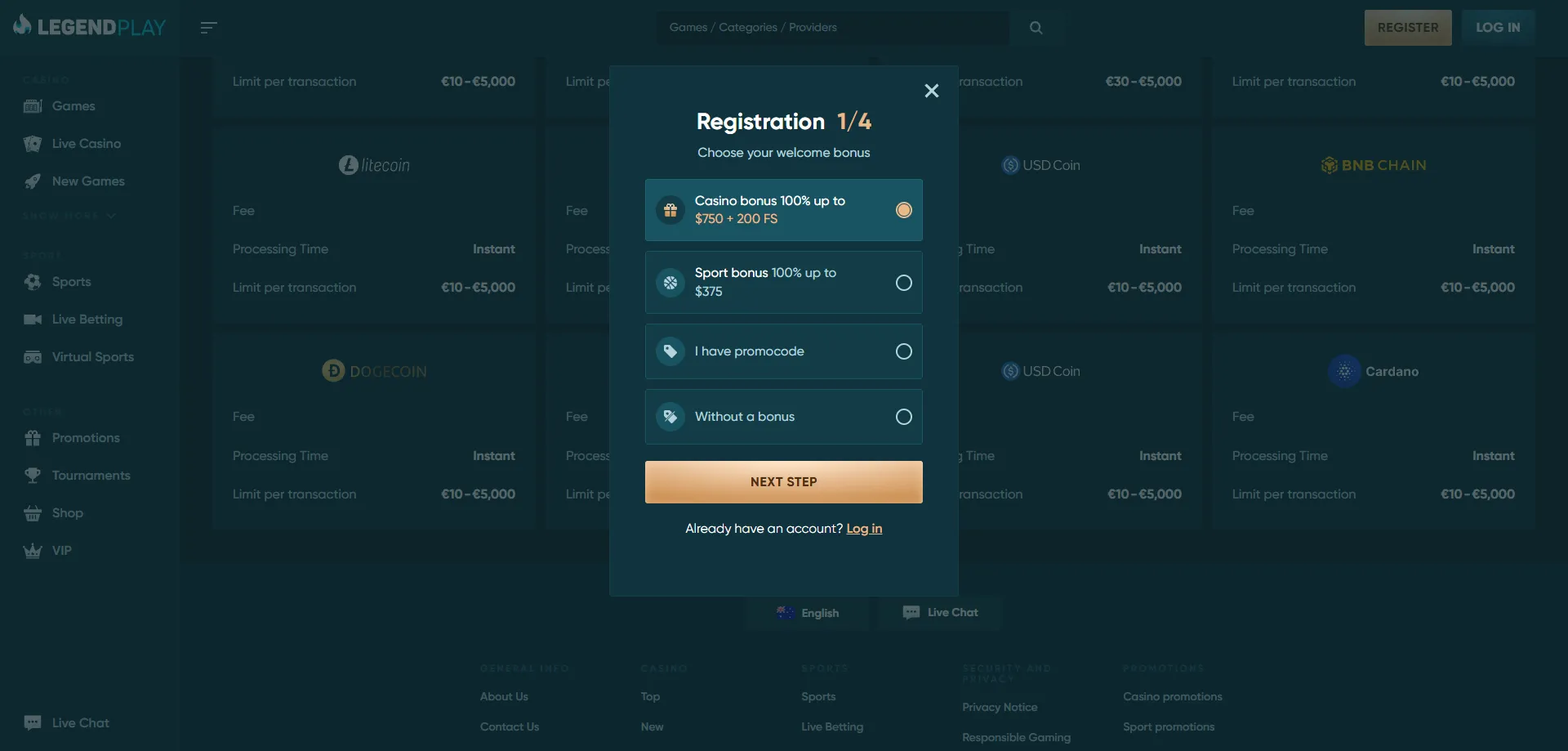
Account registration can also be completed entirely on mobile. If you have not yet created a profile, the registration page walks you through the sign-up steps in a touch-optimised form. Existing members can go directly to the login page to access their account from any device. Both pages load quickly on mobile and do not require desktop intervention at any point in the process.
Account management on mobile is comprehensive. The profile section — reachable via the top-right menu icon — displays your balance, bonus balance, active wagering progress, transaction history, and responsible gaming tools including deposit limits and self-exclusion. Setting or adjusting personal limits from a mobile device takes the same number of steps as on desktop, which reflects a sensible design choice for a platform committed to responsible gaming for players 18 and over.
Notification behaviour depends on your route. Browser-based play does not push system-level alerts unless you have enabled notifications in your browser settings and the site has requested permission. PWA users on Android receive promotional push notifications more reliably than iOS users, where Apple's restrictions on background processes limit what the PWA can send. Email remains the most consistent notification channel across all devices — LegendPlay's support address is [email protected] and the team can toggle email alerts for bonus credits, withdrawal confirmations, and account activity from your profile settings.
Because LegendPlay uses a browser-based architecture rather than a native app, there are no mandatory version updates to manage. When the platform updates its interface or adds new games, the changes appear automatically on your next visit. This eliminates the common frustration of being locked out of an app because an update is pending.
The most common mobile access issues reported by players fall into three categories: login failures, games not loading, and withdrawal delays. For login failures on mobile, the first steps are clearing your browser cache, disabling any active VPN (LegendPlay restricts access from certain jurisdictions), and verifying that your password has not been reset by an automated security check. If the issue persists, live chat is available 24/7 and typically responds within two minutes during peak hours.
Games failing to load on mobile are almost always a network or browser compatibility issue rather than a platform fault. Enabling hardware acceleration in Chrome settings on Android, or switching from a third-party browser to Safari on iOS, resolves the majority of cases. For live dealer streams specifically, closing background apps to free RAM on older devices is effective.
When contacting support about an app issue, the most useful information to include is: your device model and operating system version, the browser and browser version you are using, the name of the game that failed, the time and date of the issue, and a screenshot if the problem produced a visible error message. Providing these details upfront avoids back-and-forth and allows the support team to escalate technical issues to the development team with enough context to reproduce the problem. Email support at [email protected] handles technical issues that require a written record, while live chat handles real-time troubleshooting.
Register today at Legendplay Casino to double your first deposit and receive 200 free spins. Don't miss out on top promotions!
Play Now🔒 18+ · T&C Apply · Play Responsibly